
Flows for each situation
Use separate initial messages for abandonment, cards, and PIX, activating only the events available through the store integration.
Configure messages for abandoned carts, failed card payments, and unpaid PIX payments, with follow-ups and support in the same conversation.
See how it works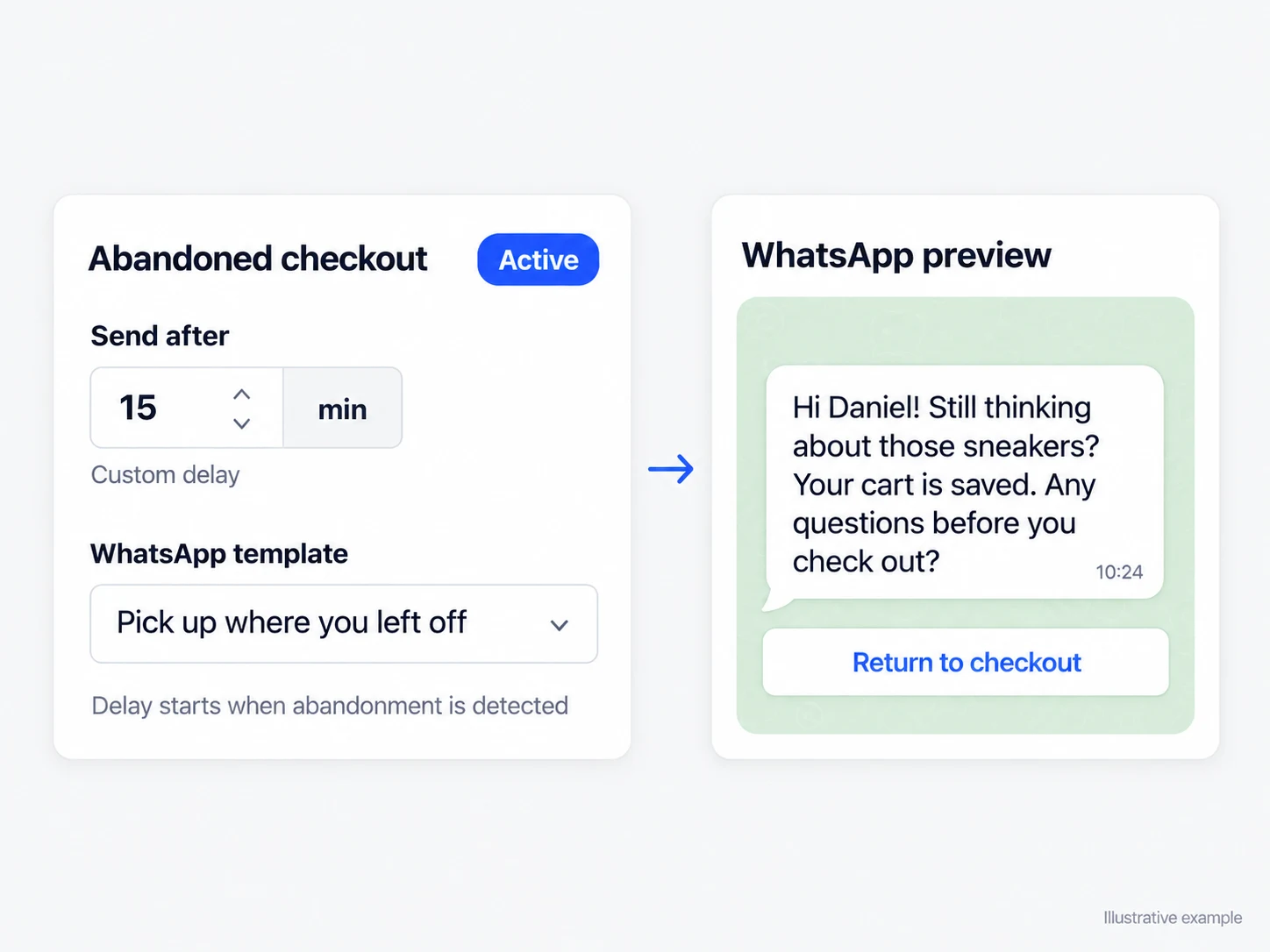
Use separate initial messages for abandonment, cards, and PIX, activating only the events available through the store integration.
Organize different sequences for customers who replied and those who have not, and stop recovery when the purchase is completed.
AI classifies the reason for abandonment only for recoveries with a customer reply and an eligible conversation that is no longer active, using the configured categories.
A customer who abandoned items may need to resume checkout. Someone who generated a PIX payment that remains unpaid may need the code, while someone whose card was declined faces a different obstacle. Configure separate initial messages and sequences for each situation. Activation depends on the store integration providing the corresponding event.
The reply arrives in the same conversation where the recovery began. AI can continue according to your instructions or transfer the interaction, when that option is enabled, with a reason and summary for the team. In the inbox, the team member finds the available messages, contact, cart, and history to resolve the question without restarting the conversation.
Remind the customer about the items and guide them back to checkout while the purchase remains open.
Use a dedicated flow for a generated payment that the integration has not yet confirmed.
Start a conversation suited to the payment failure and hand it to a person if the situation requires one.
Integrate the store and WhatsApp so Infynia receives cart and payment status updates.
Link approved templates to recovery types and configure the follow-up steps you want.
View sends, replies, conversions, cancellations, and the contact's recovery history.
The platform has flows for abandoned carts, failed cards, and unpaid PIX payments. Actual availability depends on the events sent by the connected integration.
No. Classification occurs only for an eligible recovery with at least one customer message, after the conversation becomes inactive and there is no pending follow-up. Without evidence, no new reason is assigned.
The updated purchase status prevents incompatible recovery messages and allows the attempt to be recorded as converted when the attribution criteria are met.
Replies guided by the instructions and information your team maintains in Infynia.
Explore solutionCustomers receive updates tied to the actual order progress reported by the integration.
Explore solutionCommercial priorities supported by your operation's own tracked history.
Explore solutionConnect every stage of your customer journey with WhatsApp, data, and artificial intelligence.