
Editable instructions
Describe the agent's role, tone, how it should guide the conversation, and which company rules it must follow.
Configure your agents' personality, instructions, and knowledge. Organize a library of resources and define what the AI can send in each conversation.
See how it works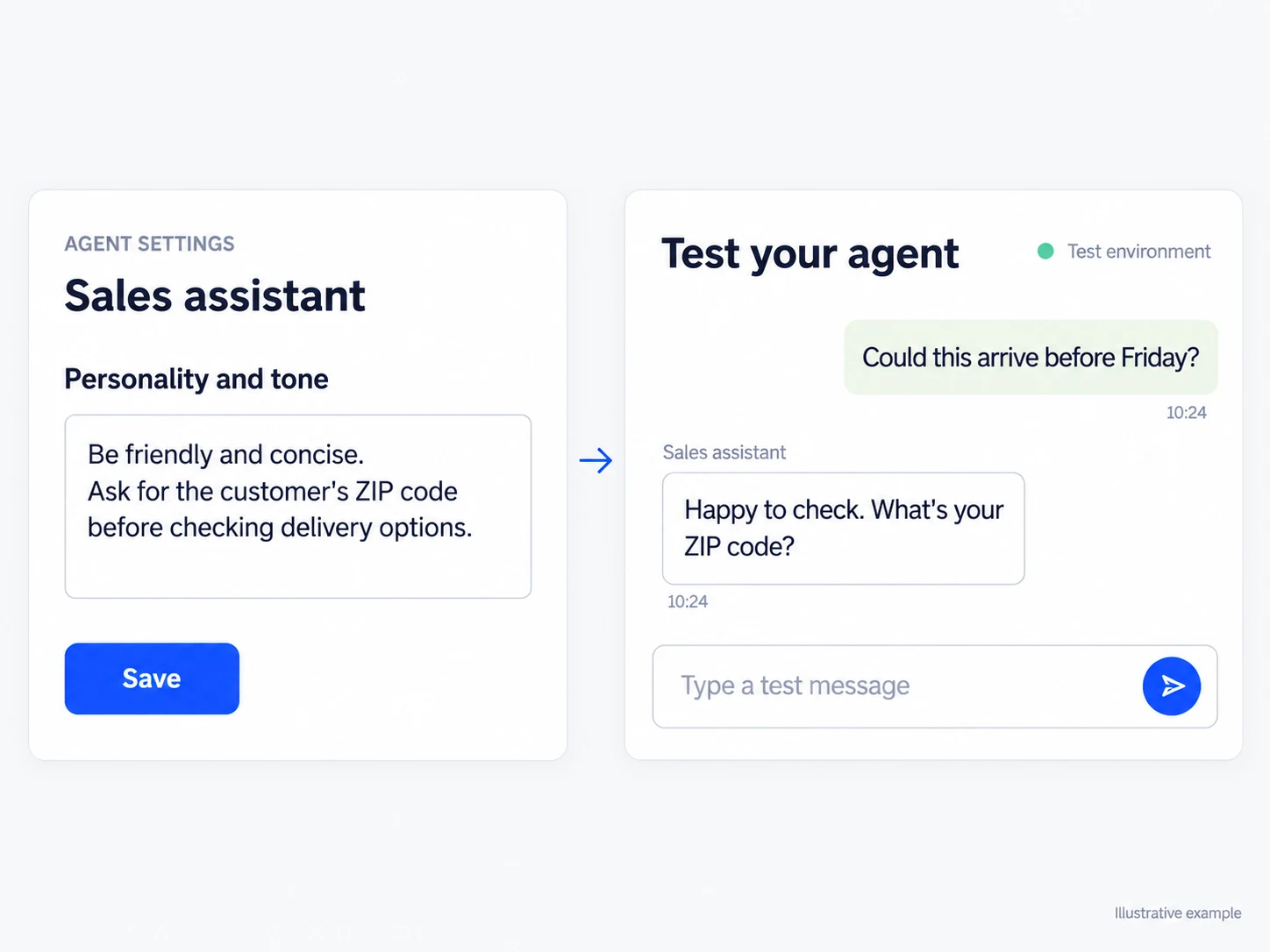
Describe the agent's role, tone, how it should guide the conversation, and which company rules it must follow.
Save images, documents, audio, videos, and links, choose what the AI can use, and explain when each item should be sent.
When human support is enabled, the agent can transfer the conversation with a reason and summary so the team can continue.
Define the agent's role, conversation tone, company information, and the rules it must follow. Use the test environment to ask questions, observe replies, and adjust instructions without entering a real conversation. Only then assign the agent to the inboxes where it should reply to new contacts.
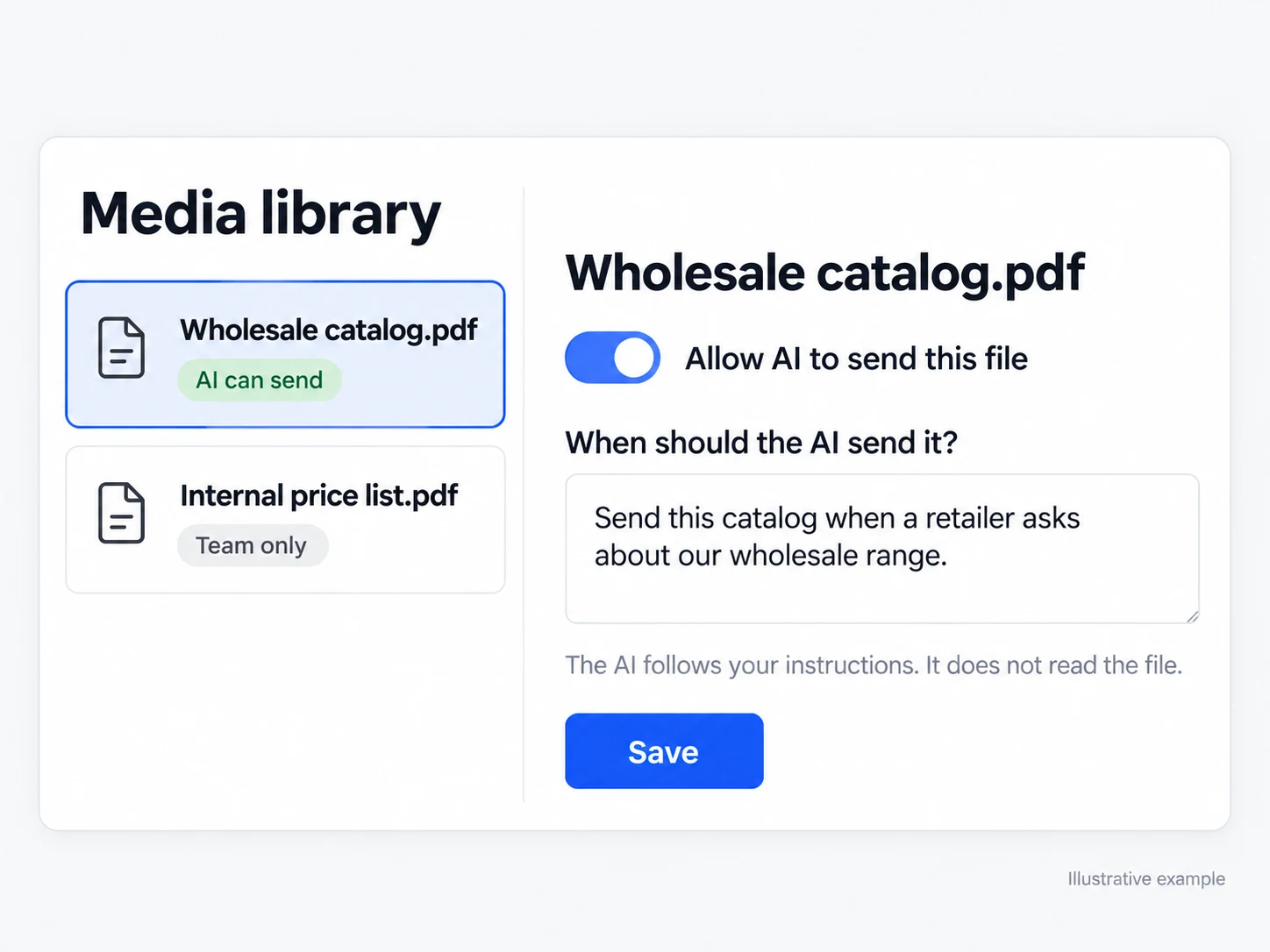
Organize images, documents, audio, videos, and links in the library. For each item, explicitly choose whether the AI has permission to send it and, if so, write usage instructions. A catalog can be approved for product requests while an internal table remains available only for manual sending by the team.
Guide the agent with features, policies, and limits reviewed by your team.
Approve a specific catalog or video and describe when the AI can share it.
Enable human support handoff with a reason and summary when the conversation requires a person.
Define the agent's identity, goal, limits, communication style, and company information.
Use the test environment to ask questions and refine replies without taking part in a real conversation.
Assign the agent to the desired inboxes. New contacts in those inboxes will receive automatic replies.
You can define identity, behavior, communication, company information, products, policies, coupons, and frequently asked questions, as well as custom instructions.
Images, documents, audio, videos, and links saved in the library. Your team chooses which items the AI can send and writes usage instructions for each one.
It can when transfer to human support is enabled. If it is disabled, the agent continues helping without promising an unavailable transfer.
Connect every stage of your customer journey with WhatsApp, data, and artificial intelligence.