
Clear events
Set up separate messages for payment, shipping, and delivery without mixing transactional communication with recovery messages.
Link templates to paid, shipped, and delivered order events to share every update through WhatsApp.
See how it works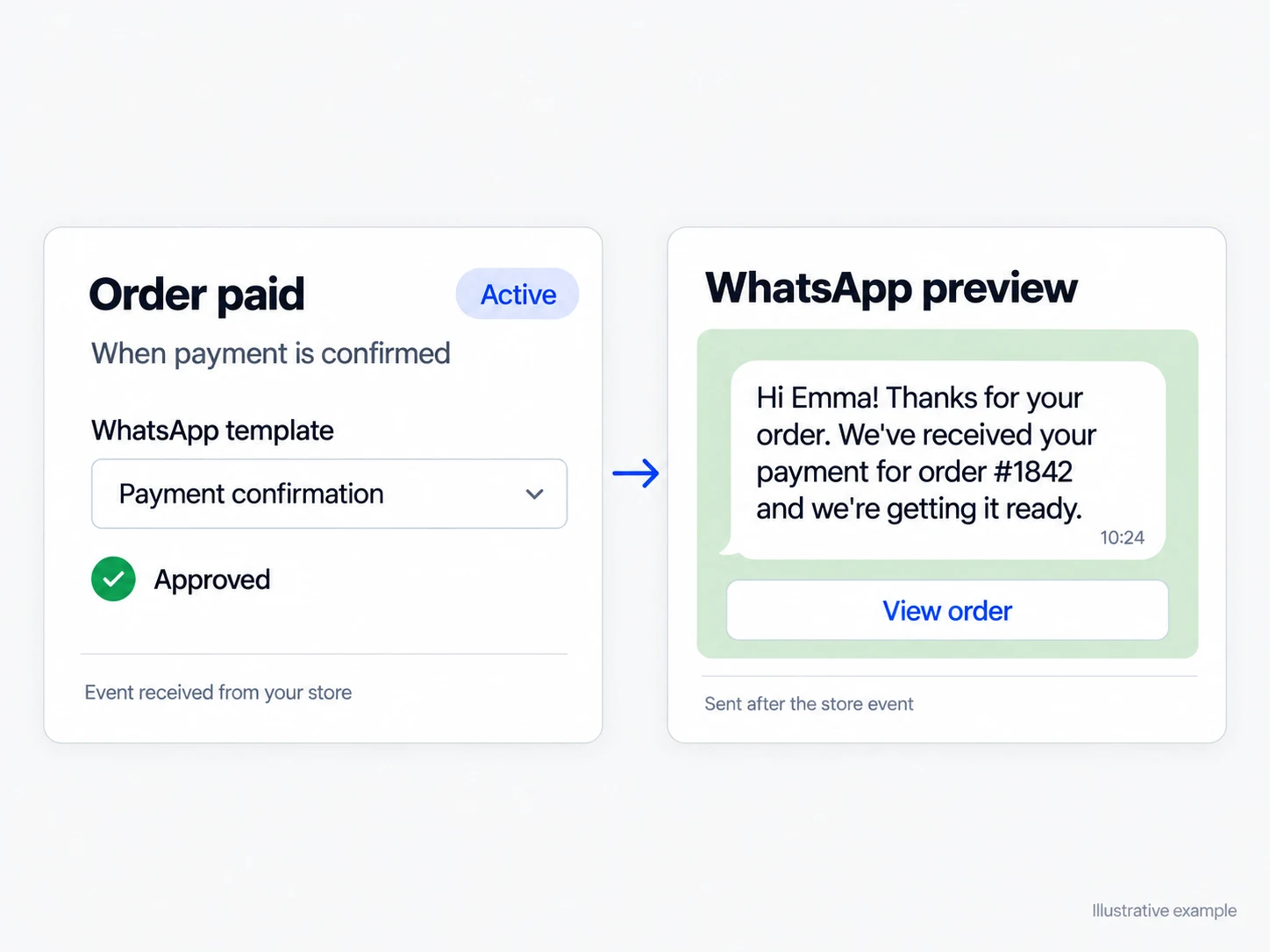
Set up separate messages for payment, shipping, and delivery without mixing transactional communication with recovery messages.
Choose approved templates and keep each automation active, paused, or without a template based on your operation.
Sent messages appear in the contact history alongside replies received through WhatsApp.
Link a different template to paid, shipped, and delivered orders. A message is sent only when the connected integration reports the event, so availability varies between platforms. You activate only the stages that make sense and keep payment, shipping, and delivery as separate customer communications.
Sent notifications remain in the contact history. If a customer replies to a payment confirmation or shipping notice, the team finds the original message and reply in the same conversation, with the available context. A question about timing or delivery can continue in the inbox without reconstructing the order journey.
Let the customer know the order was paid when the connected integration reports that event.
Send the shipping update with the variables available for that platform.
Confirm delivery when the integration provides that event and keep any replies in the inbox.
Activate WhatsApp and an integration that provides the order events used by your store.
Choose an approved message for each available event and review the variables used in the content.
Turn on only the notifications you want. Each message is sent when the integration records the corresponding event.
The platform has notifications for paid, shipped, and delivered orders. Each one is sent only when the connected integration reports that event.
Not necessarily. Tracking, delivery, and other data vary by integration. Infynia displays notices when a platform does not provide the required context.
Yes. Business-initiated messages use Meta-approved WhatsApp templates configured for the corresponding automation.
Every recovery attempt stays linked to the cart, conversation, and recorded outcome.
Explore solutionThe team can see who is handling each conversation, what has happened, and what comes next.
Explore solutionReplies guided by the instructions and information your team maintains in Infynia.
Explore solutionConnect every stage of your customer journey with WhatsApp, data, and artificial intelligence.